
This article provides detailed steps on how to start a Zoho Assist remote session when asked to by a VCIT technician. Unless you have been instructed by a VCIT technician to follow these steps, please refrain from doing so.
Instructions for Google Chrome
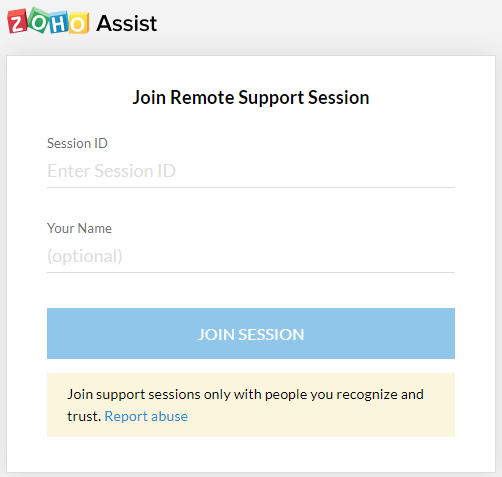
- Click on this link, https://join.zoho.com, to visit the "Join Remote Support Session" website
- Type in the session ID provided to you by the VCIT technician and click "JOIN SESSION"
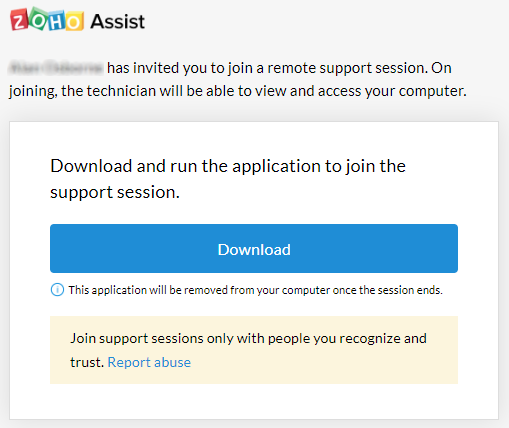
- The following message will appear - click the Download button
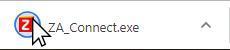
- Look for the downloaded app in the bottom left corner of your Chrome web browser and click on that icon
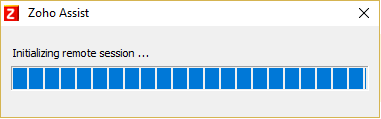
- The Zoho Assist app will now launch
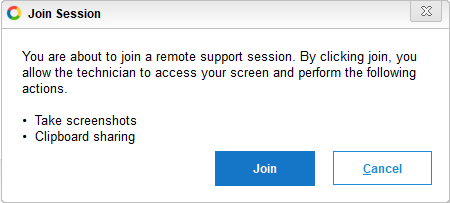
- When the "You are about to join a Remote Support session..." pop-up appears click "Join"
- The VCIT technician should confirm that he/she can now see your desktop
Comments
0 comments
Article is closed for comments.